The Nerds
Pulse Learn Ai
"Duh! Don't pull an all nighter always"
Submitted
May 22, 2026, 7:31 AM
Last Updated
May 22, 2026, 7:31 AM
Project Links
Special Mention
This project was recognized for outstanding achievement in the Education category at Catalyst 2K26.
Problem Statement
AI in education - Complex use of AI ,The generalised answer for all
Solution & AI Usage
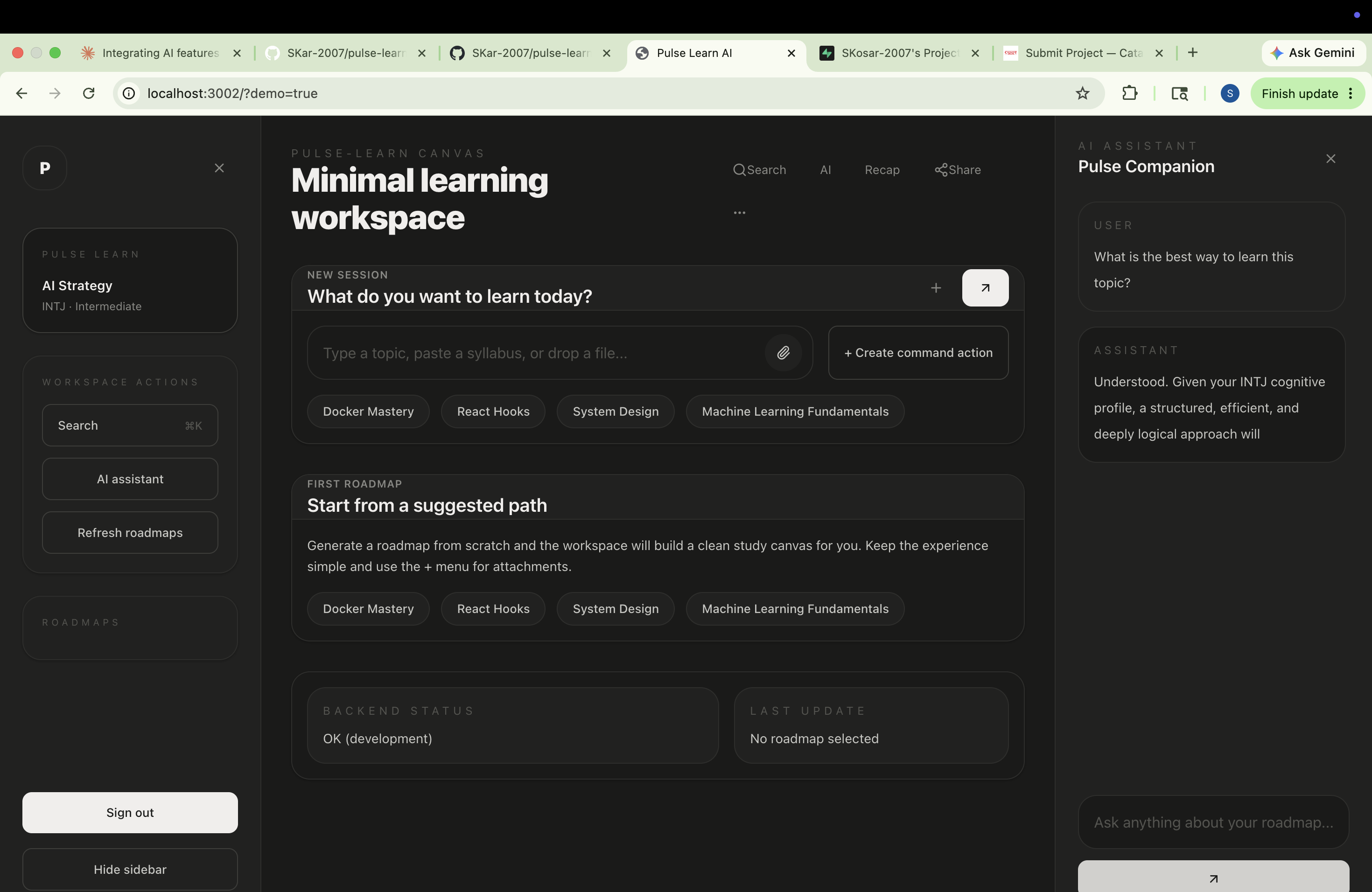
* Making train version of AI which reduces the giving of multiple prompt ,this AI version will give you answers according to your personality , considering all your studying pattern and habits, just it needs your personality test . * Here the multiple user can join and study together with the same shared notes at a time ,in a single workplace, it reduce your time, energy and complexity to share each notes again and again. AI USAGE : * Multi source single platform MCP connection. * Real time collaboration. *Reduces tokens. * Enhanced notes * Reduce time and tension .
Full Description
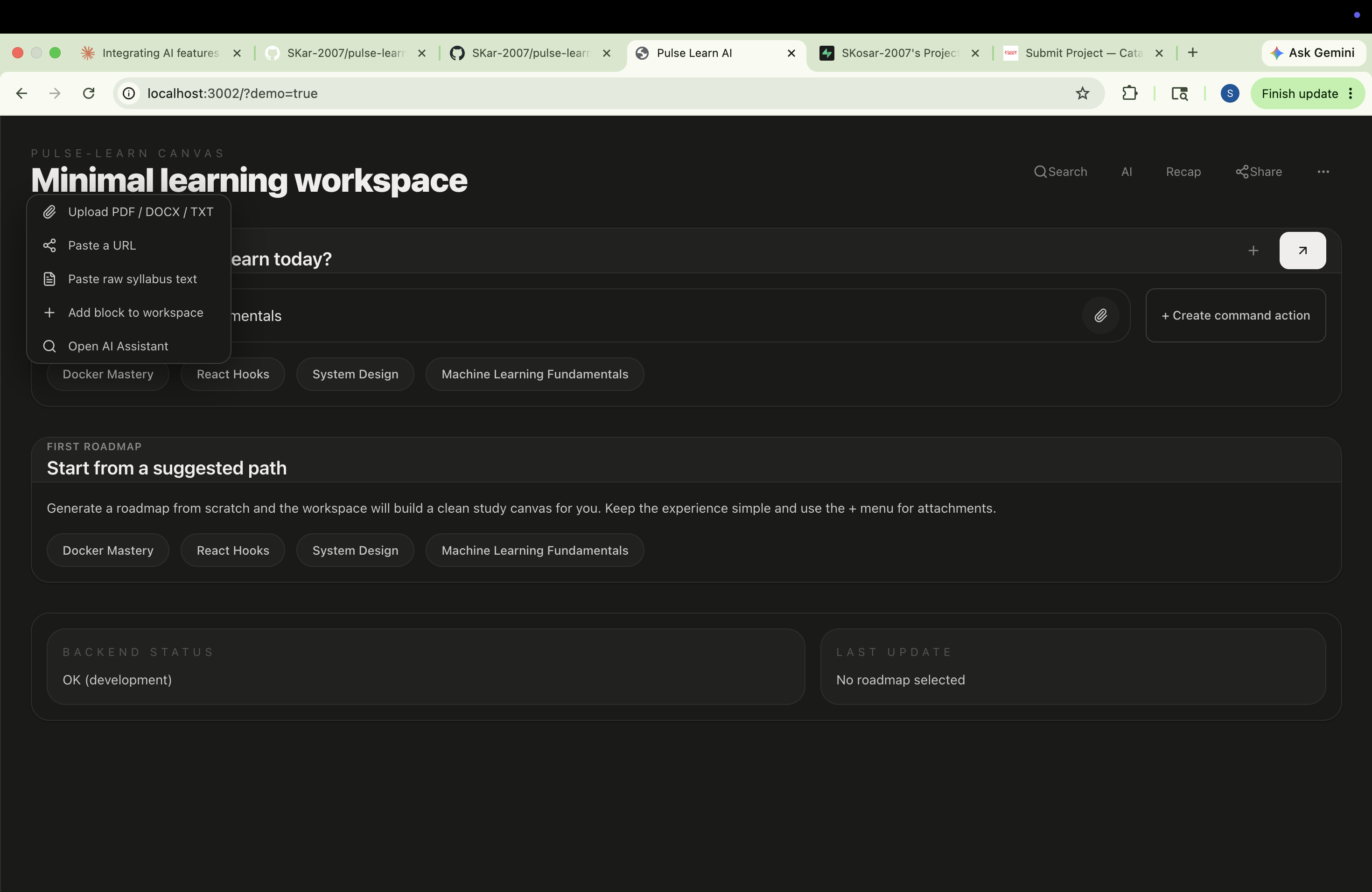
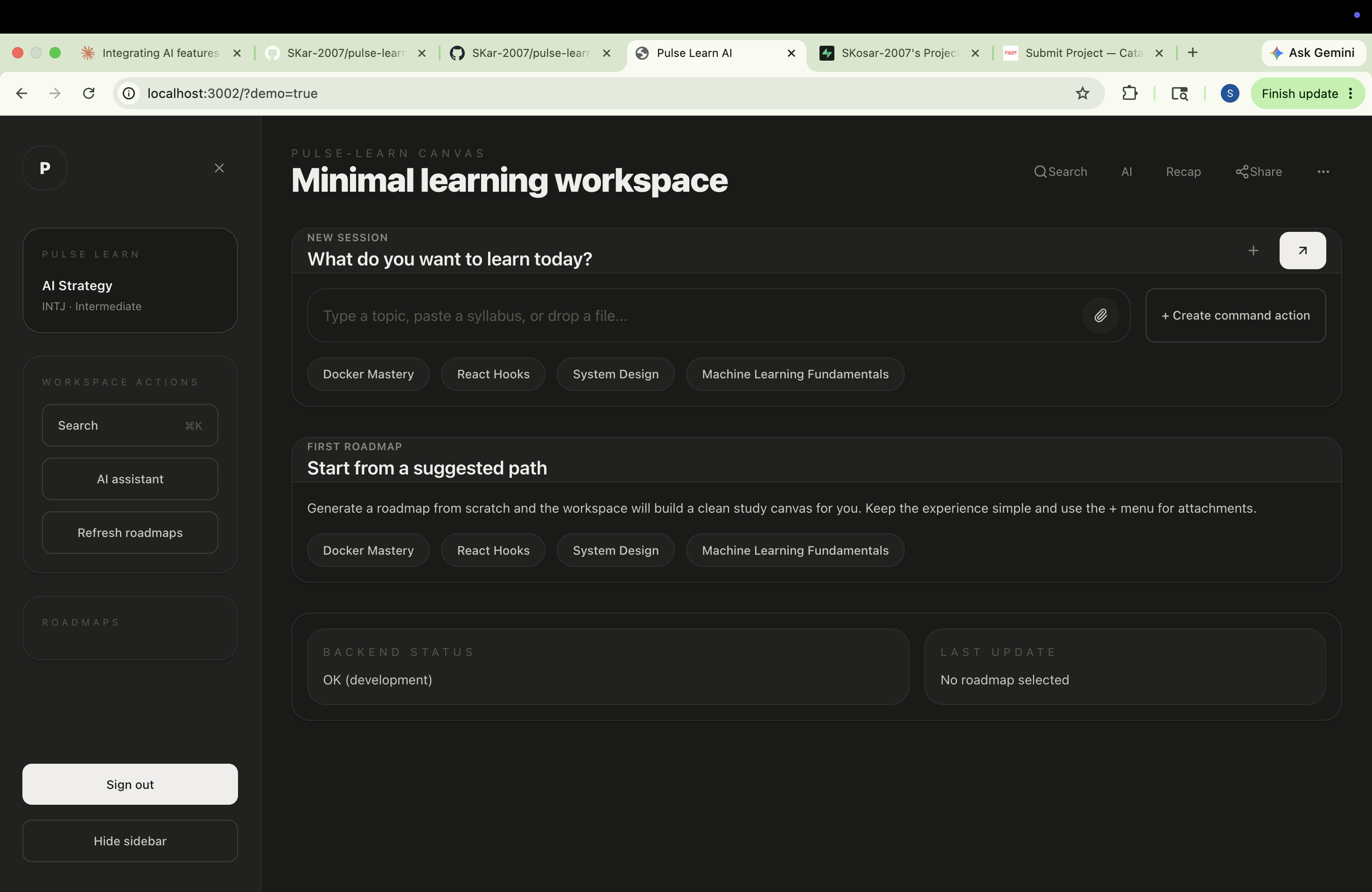
Pulse Learn AI 1.This repository was scaffolded from the Pulse Learn PRD. It contains a React + Vite frontend and an Express backend wired for Supabase, Gemini-style AI services, and Stellar testnet credential anchoring.
Structure
- client/ - React Vite frontend
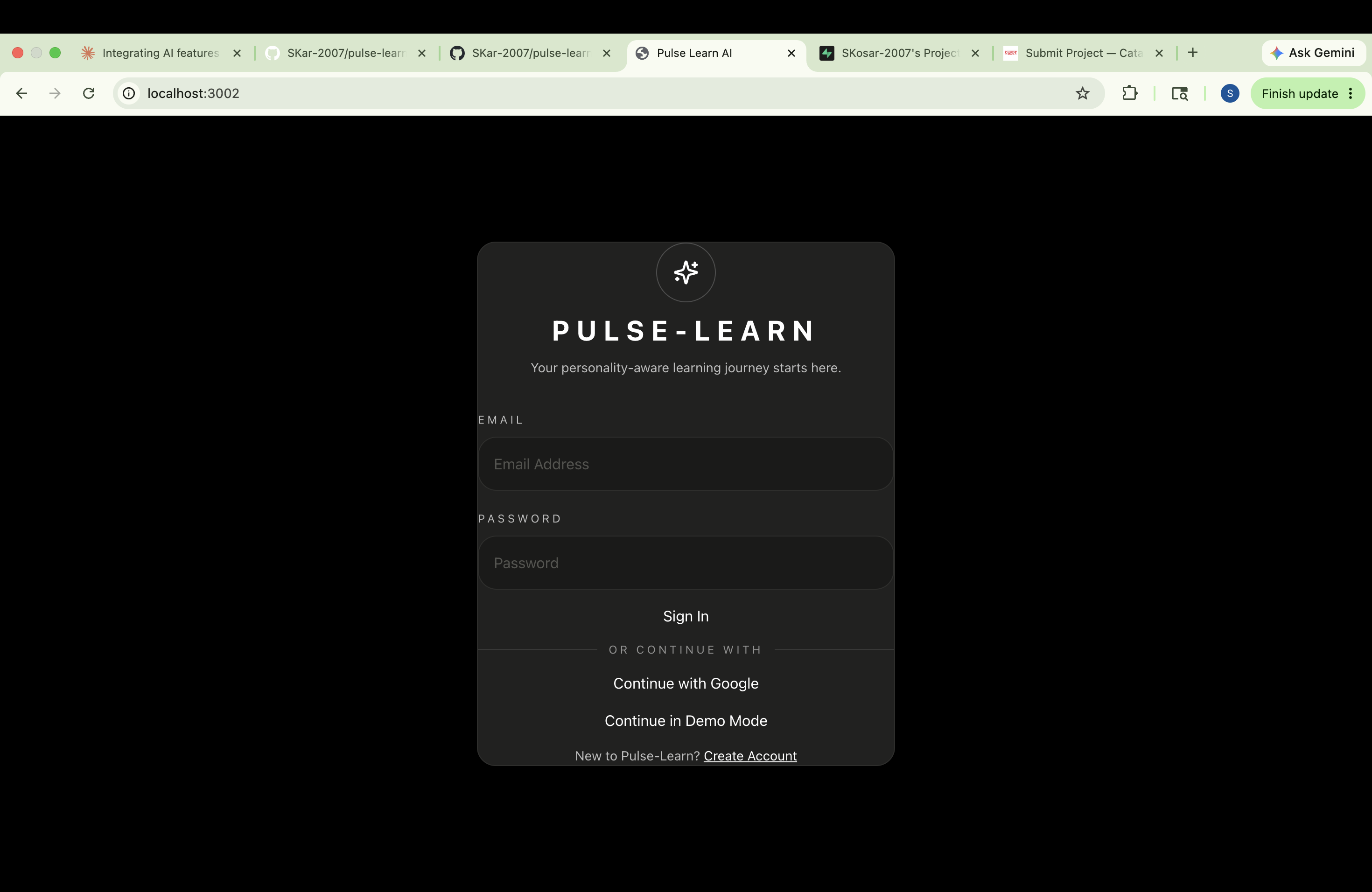
- server/ - Express backend for API routes, file upload, Supabase, and Stellar ai/ - product docs and PRD files *. Setup Copy environment variables into server/.env and client/.env. Install dependencies: cd server && npm install cd ../client && npm install Run the backend: *cd server && npm run dev Run the frontend: *cd client && npm run dev Environment variables *server/.env: backend credentials for Supabase, Stellar, and client origin. *client/.env: frontend values for VITE_SUPABASE_URL, VITE_SUPABASE_ANON_KEY, and VITE_API_URL. User flow *Open the frontend and sign in or create a Supabase user. *Upload a syllabus PDF or paste syllabus text. *Generate a roadmap, answer quiz prompts, and mint your Stellar receipt. Notes *Backend routes are located in server/routes/ *AI logic and integrations are stubbed in server/services/ *Frontend components are scaffolded under client/src/components/
Tech Stack
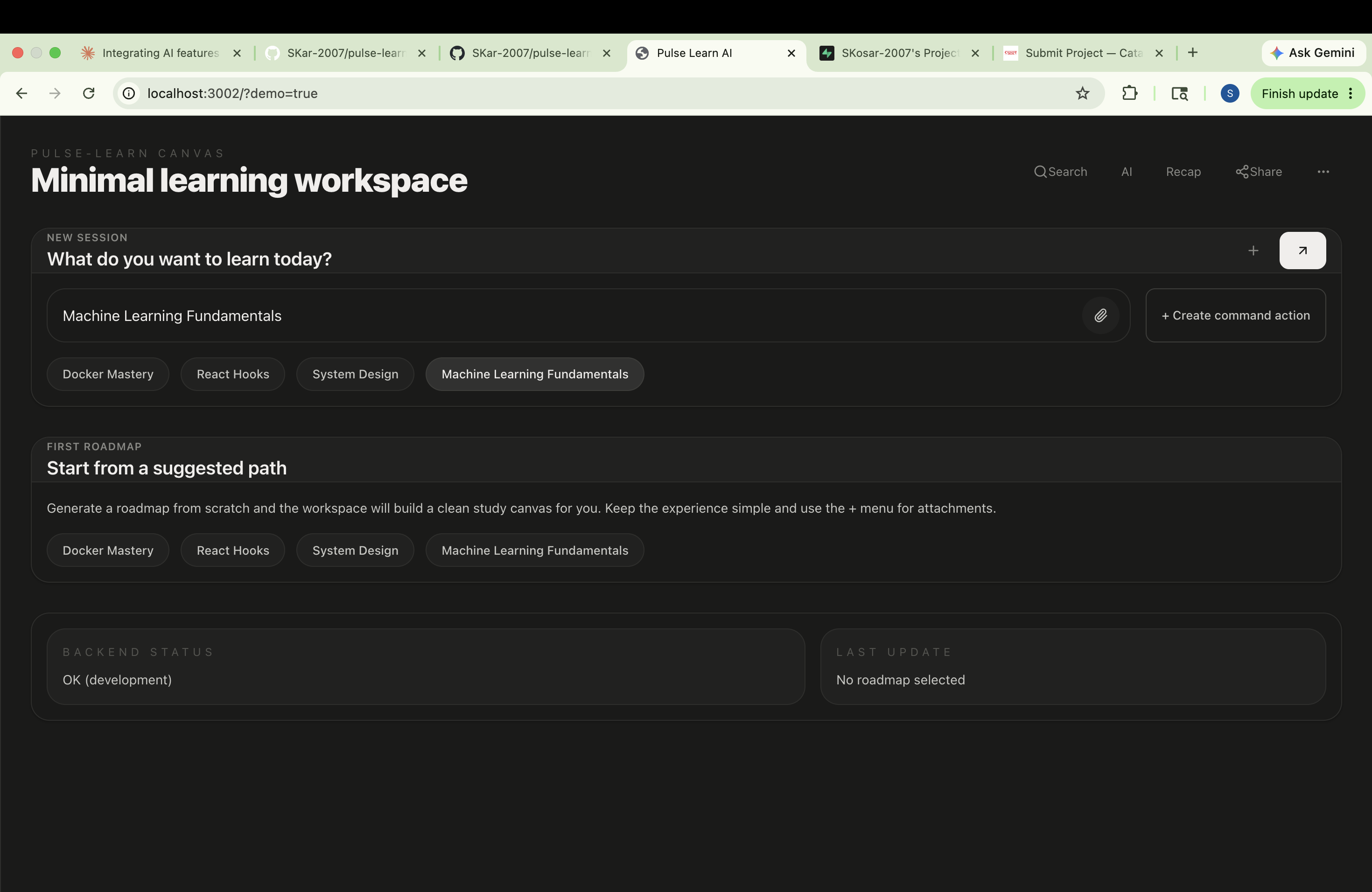
Screenshots
5 attached